Up to 2,000 characters of text in one image: what does Kling Image 4.0 change for designers?
Kuaishou's Kling AI launched Kling Image 4.0: up to 2,000 characters of text per image, native 8K, sets of 10 consistent images from one prompt and layer editing. We explain how it works, what it costs and how to prompt it well.

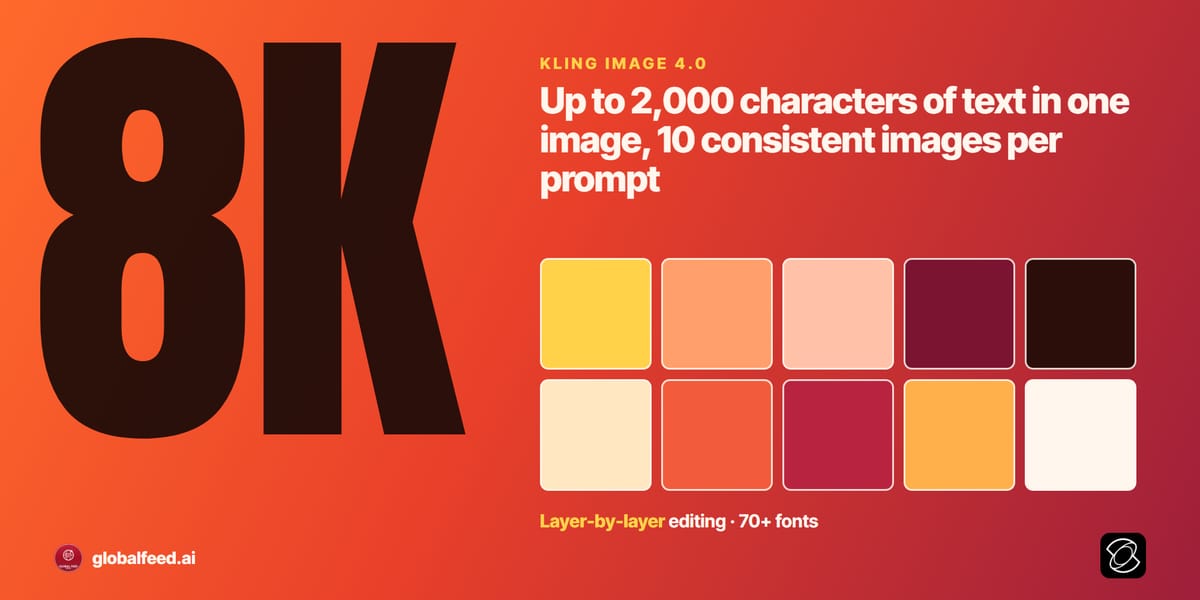
Text has long been the weak spot of AI image tools: signs came out as gibberish, posters with mangled words. Kling AI, the AI brand of Chinese tech company Kuaishou, took a bold step on that front on the evening of November 17 with Kling Image 4.0. According to the company's blog, the new model can place up to 2,000 characters of text in a single image, offers more than 70 preset commercial fonts and lets you edit the text after the image is generated. It is also Kling's first model to generate natively at 8K.
Two more features come alongside: a set of up to 10 consistent images from one prompt, and splitting a generated image into layers so each part can be changed on its own. Kling says the model has been available to all users since November 18. Here is how the features work, what Kling has said about the architecture, what it costs and how to get the best results.
The problem: text, consistency and fixes
Image models are now very good at a single beautiful frame. Real work asks for more: an online seller wants the same product in the same light from six angles, a designer does not want to regenerate a whole poster to change one word, a social team needs a campaign visual with readable copy. Kling Image 4.0 targets exactly these three problems: long, accurate text, image sets that match, and piece-by-piece editing.
How it was built: understanding and generation under one roof
Kling did not publish technical details; parameter count, training data and training steps are not disclosed. The only architecture detail in the blog is a "native unified understanding and generation architecture": understanding images and generating them run inside the same autoregressive framework rather than separate models. Autoregressive models produce output step by step, each step looking at the previous ones, the same way large language models write text. On the image side, the advantage is that the model can read the prompt and reference images like a language model and plan. Kling calls this "native agentic capability": in series mode the model plans what each image in the set will show.
This also helps explain the text results. A model with strong language understanding can follow "write these three lines at the top of the poster in this font" letter by letter. Text works in seven languages: Simplified and Traditional Chinese, English, Japanese, Korean, Spanish and Portuguese. According to the company's press release, the preview version placed third in the UI/UX design category of Artificial Analysis's vote-based leaderboard.
The new features one by one
Native 8K. According to the API docs, the model generates at 2K (default), 4K and 8K, with aspect ratios including square, 16:9, 9:16, 4:3, 3:2 and the cinematic 21:9.
Series mode. One prompt yields 2 to 10 images with matching characters, products and lighting. In the API this is result_type=series; if no count is given, the model makes 4.
References. Up to 10 reference images and elements combined, cited in the prompt with @. Each file must be JPG or PNG, at most 30 MB, with both sides at least 300 pixels.
Layer editing. According to the user guide, the generated image is split into text, background, element and shape layers. Each layer can be changed, moved, downloaded or regenerated, so fixing one word on a poster no longer means regenerating the whole thing.
Color and long images. There are more than 110 preset color-grading styles, and a reference image's palette can be copied. A separate long-image tool turns 1 to 3 product photos into an e-commerce detail page or a web page design, at 1K or 2K only.
Pricing
As of November 20, Kling's API price list charges $0.063 per image at 2K, $0.094 at 4K and $0.157 at 8K. Image 4.0 is Kling's first model to charge for references too: $0.003 per reference or element. Kling's own example, a 4-image 2K set with 3 references, comes to $0.261. Web page long images start at $0.549. API use needs a Flagship resource pack or a cash balance above zero. The model is not open; it is available only through Kling's own service and API partners.
How to try it and get good results
Go to kling.ai, open image generation under Creative Studio and pick Default Mode or Series Mode. The guide suggests a four-part prompt: subject, action, setting and style, such as "a cyclist in a red jacket, on a rainy city street, at night, cinematic lighting". Putting exact copy in quotes and naming the font with "Font: ..." makes a clear difference. The guide's FAQ flags two traps: small text can come out wrong, so give the copy character by character, and series images can merge into one collage, so state in the prompt that each image is separate.
For developers the path is short: get an API key, send a request to /image-generation/kling-4.0, poll the returned task ID and download the images. A good first test is to put your brand's slogan in quotes and ask for the same product in four settings in series mode; you see text accuracy and set consistency in one go.
Sources: Kling AI blog, Kling Image 4.0 user guide, API docs, API price list