
Microsoft rebuilds Copilot around Home, Code and Autopilot
Microsoft has announced its biggest Copilot update yet. The app now has three parts: Home, where chat and delegated work come together; Code, where anyone can build their own apps; and Autopilot, an agent that keeps working when you are away. Word, Excel and PowerPoint now live inside Copilot too.

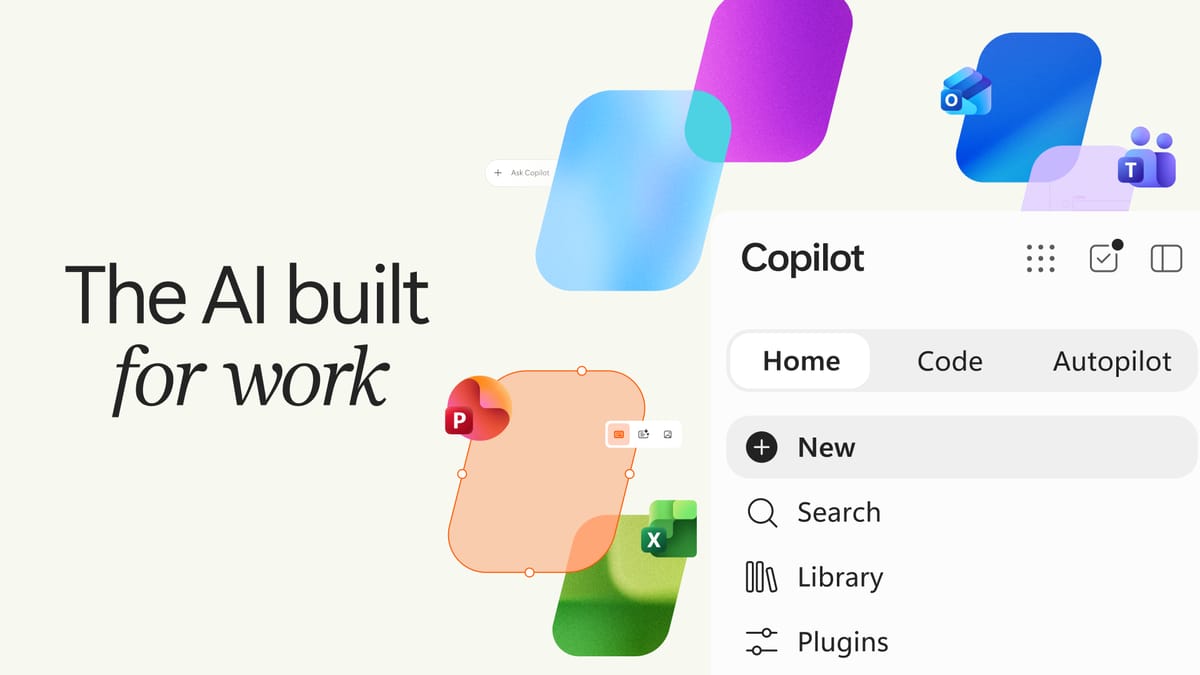
Microsoft has redesigned Copilot, its AI assistant for work. CEO Satya Nadella called it the biggest update to Copilot so far, and said the company is building Copilot as a new operating system for work across every model, form factor and task. The Copilot app now has three main parts: Home, Code and Autopilot.
Home: chat and delegated work together
Home is Copilot's new starting screen, bringing two ways of working together. Chat is for quick questions, lookups and drafts. Cowork is for handing off a whole task: you describe it, and Copilot returns finished work such as an RFP response, a customer briefing or a financial close package. According to Microsoft, you will soon not need to pick a mode, as Copilot will route the work itself.
The full power of Word, Excel and PowerPoint is now inside Copilot. Ask for a budget or a deck and Copilot creates a real Office file that teammates can edit at the same time, with changes kept in sync between Copilot and the Office apps.
Code: everyone can build their own apps
Code is designed so people who are not developers can build small solutions. You describe a tracker, dashboard or automation in your own words, and Copilot builds it, from a desktop widget to an internal app shared with your team. Code runs on the same underlying technology as GitHub Copilot, in a sandboxed environment.
To run these apps safely, Microsoft also introduced Copilot Managed Runtime, hosting infrastructure that runs them inside the company's own Microsoft 365 environment under IT governance.
Autopilot: an agent that works while you are away
Autopilot, previously called Scout, is what Microsoft calls a digital teammate. You give it a name, a role and a goal. It watches channels, follows up on threads, runs recurring work and can pick a project back up days later. In Microsoft's example it runs a supplier review process end to end, from building the schedule to preparing meetings and chasing stakeholders for updates. Because it is cloud-hosted, it keeps working when you are not there. It can be @mentioned like a colleague in Teams and Outlook, with permissions and audit managed by IT.
Copilot in Teams and "Today"
When you invoke @Copilot in Teams, the whole team now gets the shared context of the channel, chat or meeting, and Copilot can explain why a decision was made from earlier conversations. Coming to Home, Today brings together what you missed, what needs attention and what can wait across mail, calendar, Teams threads and tasks, with draft replies and follow-ups ready to send.
Timing and pricing
According to Microsoft, Home and Code will start rolling out in the coming weeks to organisations in its Frontier early-access program. Autopilot moves to private preview at the end of the month, Today enters private preview in October, and @Copilot in Teams will be in private preview by the end of the month.
Pricing has two models. Everyday chat and Copilot in the Office apps are covered by a fixed per-user licence. Long-running agent work such as Cowork, Code and Autopilot is billed by usage. Microsoft also announced new cost management tools so IT admins can monitor and cap this spend.
Most of the new Copilot will roll out in stages over the coming weeks, starting with organisations in the early-access program. Because the agent features are billed by usage, organisations will need to plan for cost before rolling them out widely. To see how the features work in real workplaces, it is worth following independent evaluations and early users' experiences.
Sources: Official Microsoft Blog: Introducing the new Copilot with Home, Code and Autopilot, Satya Nadella's announcement.